Combine PDFs
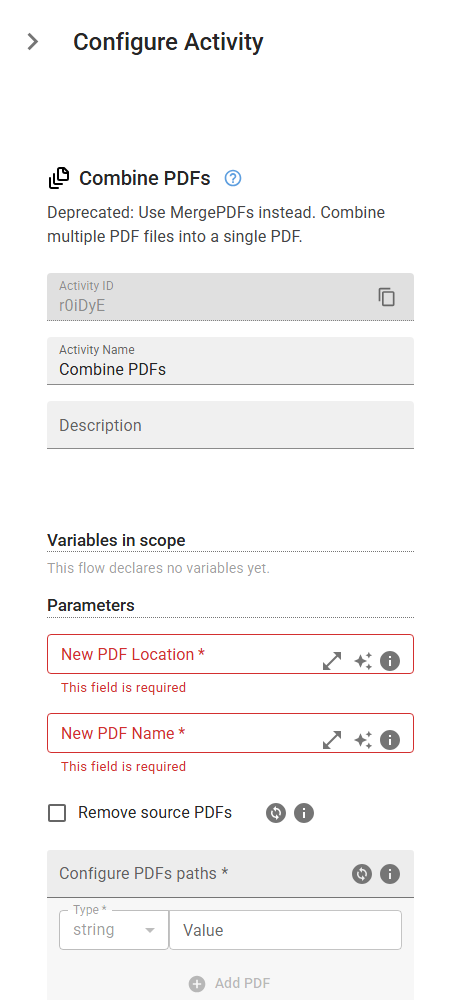
Deprecated: Use MergePDFs instead. Combine multiple PDF files into a single PDF.
Category: Structured Data Files (Excel, JSON, PDF) · Group: Files · Activity name: CombinePDFs
Example
outputVariable = CombinePDFs("<location>", "<name>", delete=True, candidates=[])
Inputs
| Name | Type | Required | Default | Description |
|---|---|---|---|---|
| New PDF Location | string | Yes | Path to the location where the new PDF should be stored. | |
| New PDF Name | string | Yes | Name of the new PDF. | |
| Remove source PDFs | boolean | Check this box if you want to delete the source PDFs. | ||
| Configure PDFs paths | array | Yes | This is the list of PDFs paths to be combine into one pdf. |
Outputs
| Name | Type | Description |
|---|---|---|
| outputVariable | string | Specifies the name of the variable that will store the new PDF location. |