Delete Excel Row
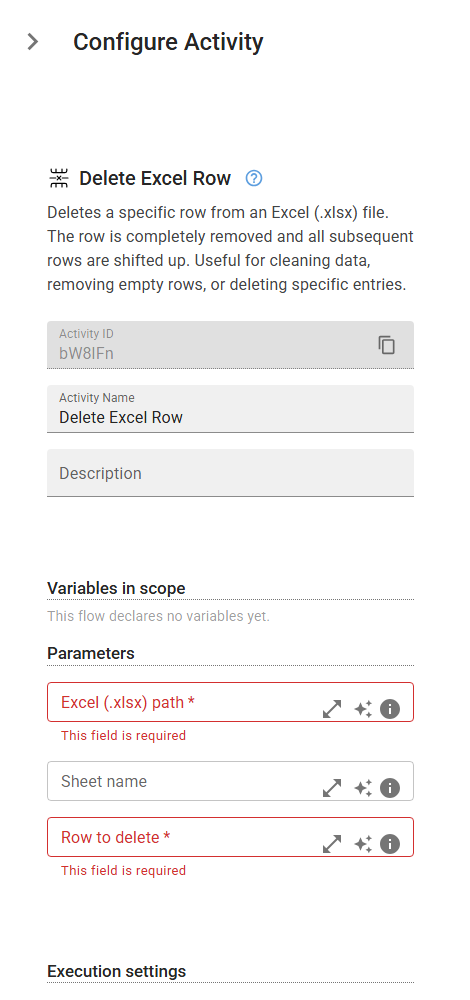
Deletes a specific row from an Excel (.xlsx) file. The row is completely removed and all subsequent rows are shifted up. Useful for cleaning data, removing empty rows, or deleting specific entries.
Category: Structured Data Files (Excel, JSON, PDF) · Group: Files · Activity name: DeleteExcelRow
Example
DeleteExcelRow("<filePath>", 0, sheetName="<sheetName>")
Inputs
| Name | Type | Required | Default | Description |
|---|---|---|---|---|
| Excel (.xlsx) path | string | Yes | The complete file path to the Excel (.xlsx) file. Example: 'C:/Documents/data.xlsx' or '/home/user/data.xlsx'. The file must exist and be accessible. | |
| Sheet name | string | The exact name of the worksheet where the row will be deleted. If left empty, the active sheet will be used. Sheet names are case-sensitive. | ||
| Row to delete | integer | Yes | The row index to delete (1-based numbering). Row 1 is the header row. The row will be completely removed and all rows below will shift up. Must be a positive integer. |