Extract Excel Data
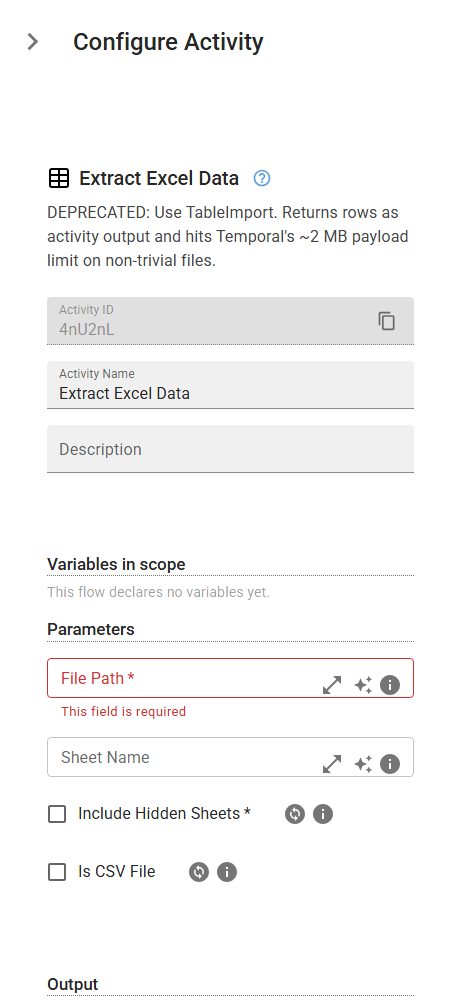
DEPRECATED: Use TableImport. Returns rows as activity output and hits Temporal's ~2 MB payload limit on non-trivial files.
Category: Structured Data Files (Excel, JSON, PDF) · Group: Files · Activity name: ExtractDataExcel
Example
outputVariable = ExtractDataExcel("<filePath>", True, sheetName="<sheetName>", isCSV=False)
Inputs
| Name | Type | Required | Default | Description |
|---|---|---|---|---|
| File Path | string | Yes | The path to the Excel file (.xlsx format) from which data will be extracted. | |
| Sheet Name | string | The name of the sheet where the data should be extracted. | ||
| Include Hidden Sheets | boolean | Yes | Enable this option to include hidden sheets in the processing. If disabled, hidden sheets will be excluded. | |
| Is CSV File | boolean | False | Enable this option if the file is a CSV file instead of an Excel file. |
Outputs
| Name | Type | Description |
|---|---|---|
| outputVariable | array | Specifies the name of the variable that will store the extracted data (a list of rows with corresponding column values). |