OCR
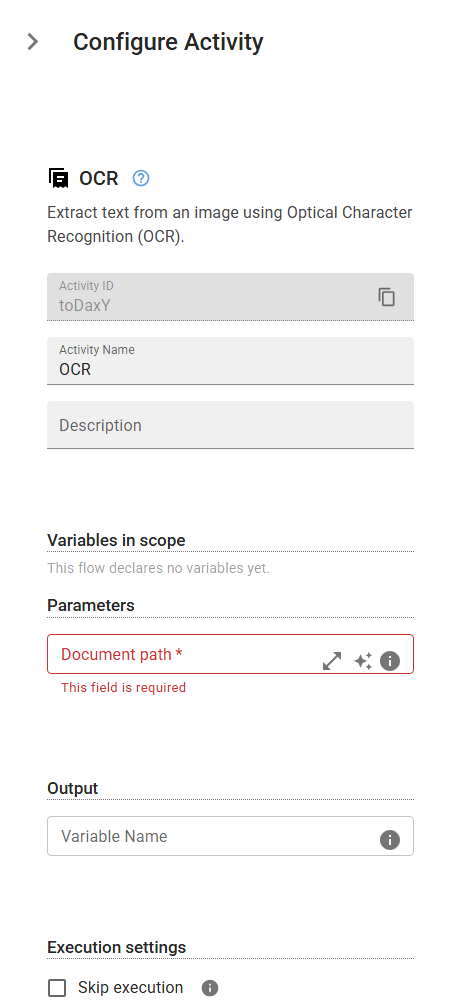
Extract text from an image using Optical Character Recognition (OCR).
Category: Data Processing & Transformation · Group: Data Processing · Activity name: OCR
Example
outputVariable = OCR("<filePath>")
Inputs
| Name | Type | Required | Default | Description |
|---|---|---|---|---|
| Document path | string | Yes | Path of the document to be processed. |
Outputs
| Name | Type | Description |
|---|---|---|
| outputVariable | string | Specifies the name of the variable that will store the extracted text. |