Take Element Screenshot
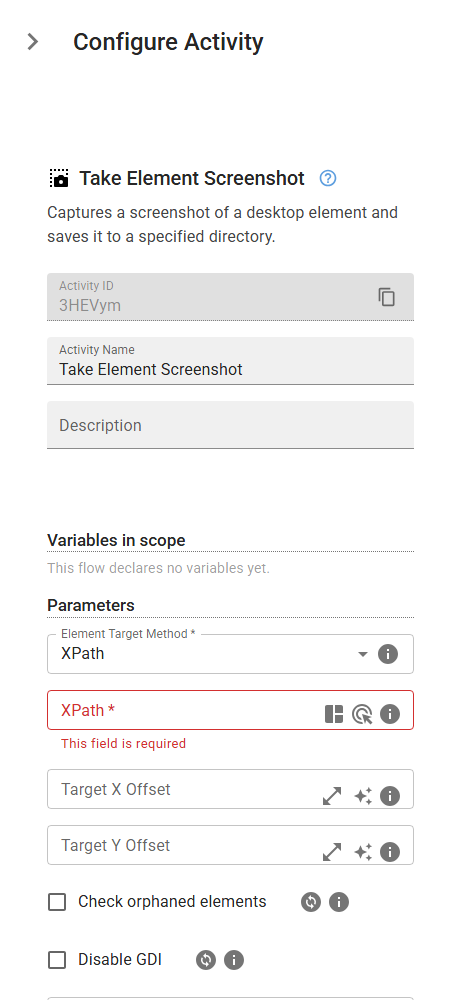
Captures a screenshot of a desktop element and saves it to a specified directory.
Category: Desktop Application Automation · Group: Desktop · Activity name: TakeScreenshot
Example
outputVariable = TakeScreenshot("xPath", expandX=0, expandY=0, elementScreenshotFilePathName="<elementScreenshotFilePathName>")
Inputs
| Name | Type | Required | Default | Description |
|---|---|---|---|---|
| Element Target Method | string | Yes | xPath | Method to identify the desktop element. One of: xPath, referenceText, referenceImage. |
| Expand Horizontally | integer | The number of pixels to expand the screenshot in the X direction. | ||
| Expand Vertically | integer | The number of pixels to expand the screenshot in the Y direction. | ||
| Screenshot Name | string | The name of the screenshot file. If not provided, a default name will be generated. |
Outputs
| Name | Type | Description |
|---|---|---|
| outputVariable | string | Specifies the name of the variable that will store the screenshot path. |