Toggle Element
Flips the state of a checkbox / radio / toggle button via the UIA TogglePattern (Windows only). Cleaner than a coordinate-based click — works even when the target is off-screen.
Category: Desktop Application Automation · Group: Desktop · Activity name: ToggleElement
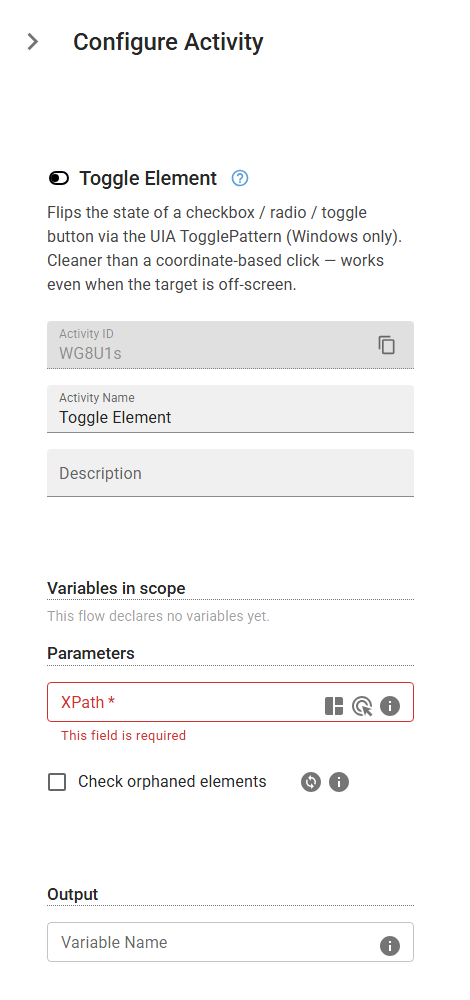
Example
outputVariable = ToggleElement("<xPath>", checkOrphanedElements=False)
Inputs
| Name | Type | Required | Default | Description |
|---|---|---|---|---|
| XPath | string | Yes | XPath expression that identifies the target element. | |
| Check orphaned elements | boolean | False | When the element is not found by its XPath, scan the parent window's area for elements detached from the UI Automation tree. Slower; enable only for windows known to orphan their elements. |
Outputs
| Name | Type | Description |
|---|---|---|
| outputVariable | string | Specifies the name of the variable that will store the resulting toggle state. |