Save Image
Save an image from a base64 string or data URL to a file. Use this for images captured from web pages or screenshots. If the source is a data URL (e.g. 'data:image/png;base64,...') the prefix is stripped automatically and the base64 payload is decoded before writing.
Category: File & Folder Operations · Group: Files · Activity name: SaveImage
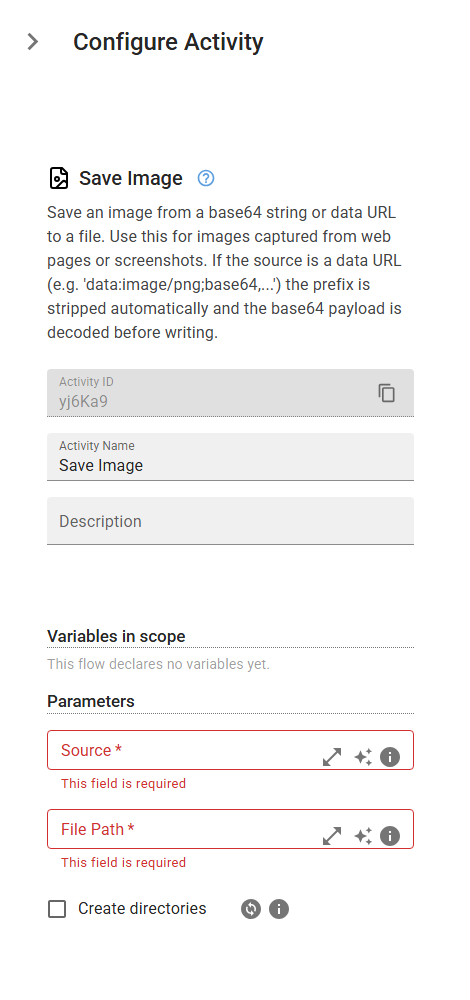
Example
SaveImage("<source>", "<filePath>", createDirectories=False)
Inputs
| Name | Type | Required | Default | Description |
|---|---|---|---|---|
| Source | string | Yes | The image as a base64 string, or a full data URL (e.g. 'data:image/png;base64,...'). The data URL prefix, when present, is stripped automatically. | |
| File Path | string | Yes | The full system path where the image will be saved. The path is honored as given - the extension is not changed to match the source MIME type. | |
| Create directories | boolean | False | Automatically create any missing parent directories in the file path. |