Add Table Row
Adds a new row to a specified table in an Excel workbook stored in OneDrive or SharePoint using Microsoft Graph API.
Category: Microsoft Office 365 & OneDrive · Group: Office 365 · Activity name: AddTableRow
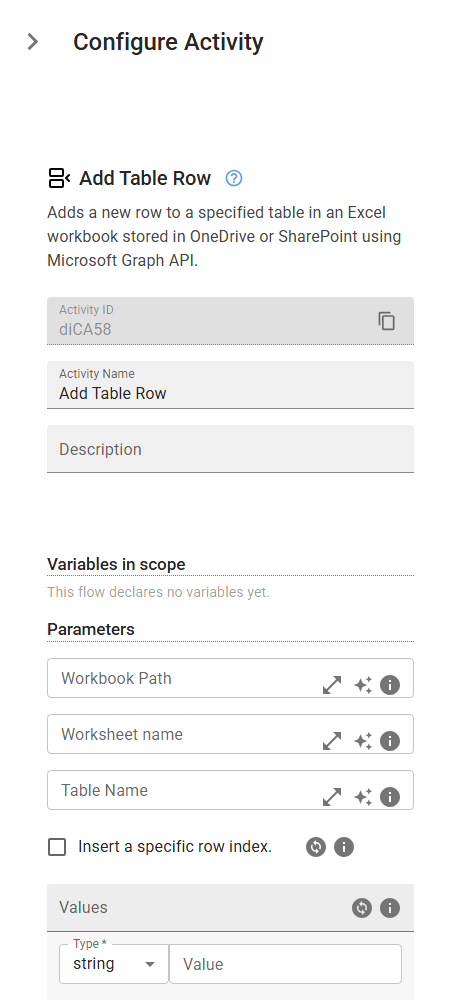
Example
AddTableRow(workbookPath="<workbookPath>", worksheetName="<worksheetName>", tableName="<tableName>", useSpecificRow=True, values=[])
Inputs
| Name | Type | Required | Default | Description |
|---|---|---|---|---|
| Workbook Path | string | The full path of the workbook in OneDrive or SharePoint. | ||
| Worksheet name | string | The name of the worksheet that contains the table. | ||
| Table Name | string | The name of the table where the row should be added. | ||
| Insert a specific row index. | boolean | Insert a specific row index where the data should be appended. If left unchecked it will append the data after the last row. | ||
| Values | array | An array of values to insert as a new row. The number of values must match the number of columns in the table. |