Get Worksheet Range
Retrieves a specified range of cells from an Excel workbook stored in OneDrive.
Category: Microsoft Office 365 & OneDrive · Group: Office 365 · Activity name: GetRange
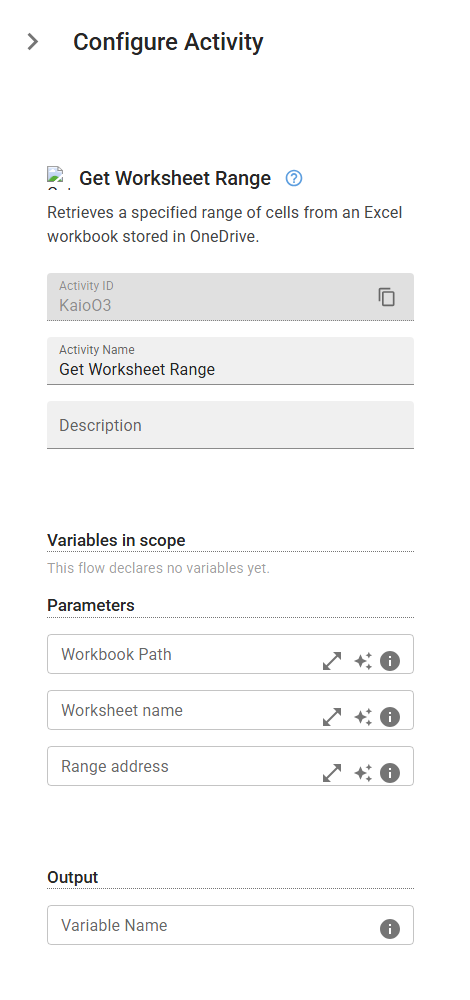
Example
outputVariable = GetRange(workbookPath="<workbookPath>", worksheetName="<worksheetName>", rangeAddress="<rangeAddress>")
Inputs
| Name | Type | Required | Default | Description |
|---|---|---|---|---|
| Workbook Path | string | Workbook path. | ||
| Worksheet name | string | Worksheet name. | ||
| Range address | string | Range address. |
Outputs
| Name | Type | Description |
|---|---|---|
| outputVariable | array | Specifies the name of the variable that will store the result |