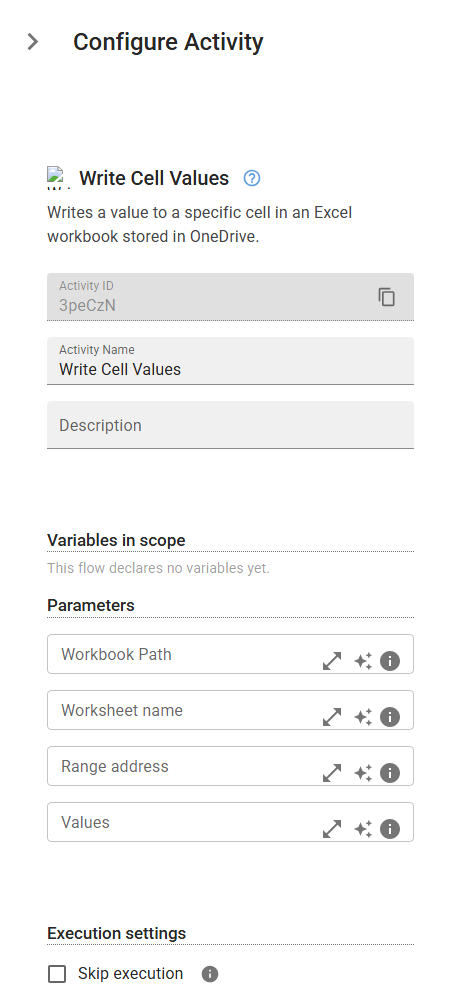
Write Cell Values
Writes a value to a specific cell in an Excel workbook stored in OneDrive.
Category: Microsoft Office 365 & OneDrive · Group: Office 365 · Activity name: WriteCell
Example
WriteCell(workbookPath="<workbookPath>", worksheetName="<worksheetName>", rangeAddress="<rangeAddress>", values="<values>")
Inputs
| Name | Type | Required | Default | Description |
|---|---|---|---|---|
| Workbook Path | string | Workbook path. | ||
| Worksheet name | string | Worksheet name. | ||
| Range address | string | The address of the range. Ex: 'A1:B5' or 'A1:A1' to change only one cell | ||
| Values | string | The values as an object array. Ex: [['Header1', 'Header2'],['Value1', 'Value2']] to write on 2 rows 2 columns |