Execute Python Code
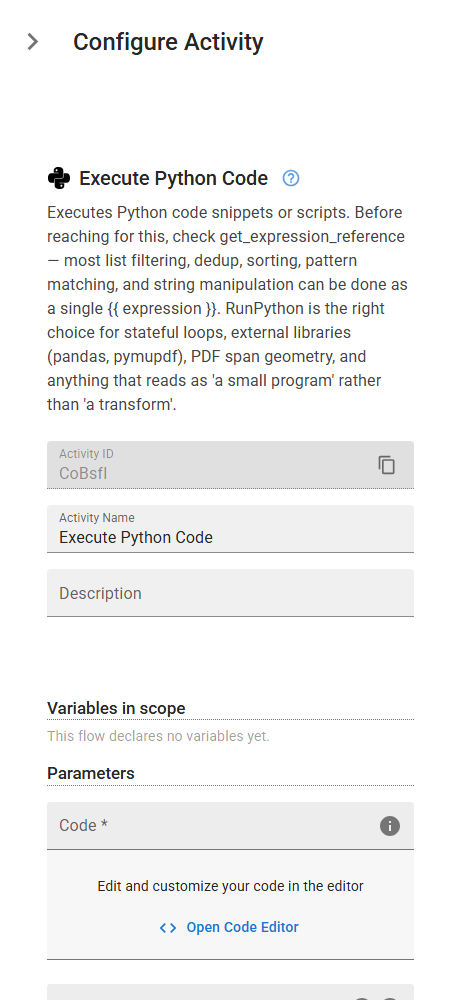
Executes Python code snippets or scripts. Before reaching for this, check get_expression_reference — most list filtering, dedup, sorting, pattern matching, and string manipulation can be done as a single {{ expression }}. RunPython is the right choice for stateful loops, external libraries (pandas, pymupdf), PDF span geometry, and anything that reads as 'a small program' rather than 'a transform'.
Category: Python Execution · Group: General · Activity name: RunPython
Example
outputVariable = RunPython("<code>", environment={}, interpreterPath="<interpreterPath>")
Inputs
| Name | Type | Required | Default | Description |
|---|---|---|---|---|
| Code | code | Yes | The Python code to be executed. | |
| Environment Variables | object | Define environment variables for your Python script. | ||
| Interpreter Path | string | The path to the Python interpreter to be used for executing the code. This setting is only applicable on Windows systems. |
Outputs
| Name | Type | Description |
|---|---|---|
| outputVariable | string | Specifies the name of the variable that will store the execution result. |