Text Input
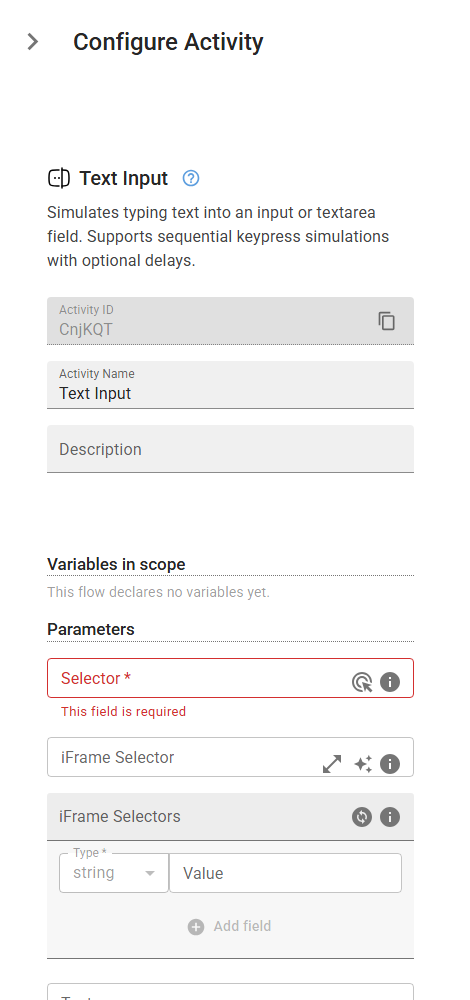
Simulates typing text into an input or textarea field. Supports sequential keypress simulations with optional delays.
Category: Web Element Interaction · Group: Web · Activity name: TextInput
Example
outputVariable = TextInput("<selector>", iframeSelector="<iframeSelector>", iframeSelectors=[], text="<text>", deletePrevious=True, writeSequentially=True)
Inputs
| Name | Type | Required | Default | Description |
|---|---|---|---|---|
| Selector | string | Yes | CSS selector or XPath to locate the HTML input, textarea, or other editable element where the text will be entered. | |
| iFrame Selector | string | CSS selector or XPath to locate the iframe containing the target element. Leave empty if the element is not inside an iframe. | ||
| iFrame Selectors | array | An ordered array of CSS selectors or XPaths to locate nested iframes containing the target element. Provide selectors in order from outermost to innermost iframe (e.g., ['#parent-frame', '.child-frame'] for an element inside a child iframe that's within a parent iframe). Leave empty if the element is not inside any iframes. | ||
| Text | string | The text to enter into the field. This text will be sent to the targeted input area. | ||
| Overwrite existing text | boolean | If enabled, deletes the existing text inside the input or textarea field. | ||
| Simulate individual keypresses | boolean | If enabled, simulates typing by sending individual keydown and keyup events for each character in the text. |
Outputs
| Name | Type | Description |
|---|---|---|
| outputVariable | json | Specifies the name of the variable that will store the outcome of the write. This variable contains the following fields: - previous: The field contents read back before typing, or null if the field could not be read beforehand. Use it to tell whether the write replaced the previous contents or was inserted alongside them. - value: The field contents read back after typing. - truncated: true when the field does not hold what the write should have produced — with "Overwrite existing text" that is the typed text exactly, without it previous with the typed text inserted once. Note that without "Overwrite existing text" the text lands at the caret, which starts at the beginning of the field, so value normally reads as the typed text followed by the previous contents. The usual causes of truncated are a maxlength shorter than the input or keystrokes that never arrived. Fields that reformat as you type (phone, date and currency masks) report truncated even though the write landed, because the element rewrites what was typed. value is the authority in that case, not the flag. When previous is null a write that does not overwrite cannot be verified, so truncated stays false. You can access these fields using: {{variableName["value"]}} to get the field contents. {{variableName["previous"]}} to get what the field held beforehand. {{variableName["truncated"]}} to check whether the text landed in full. |