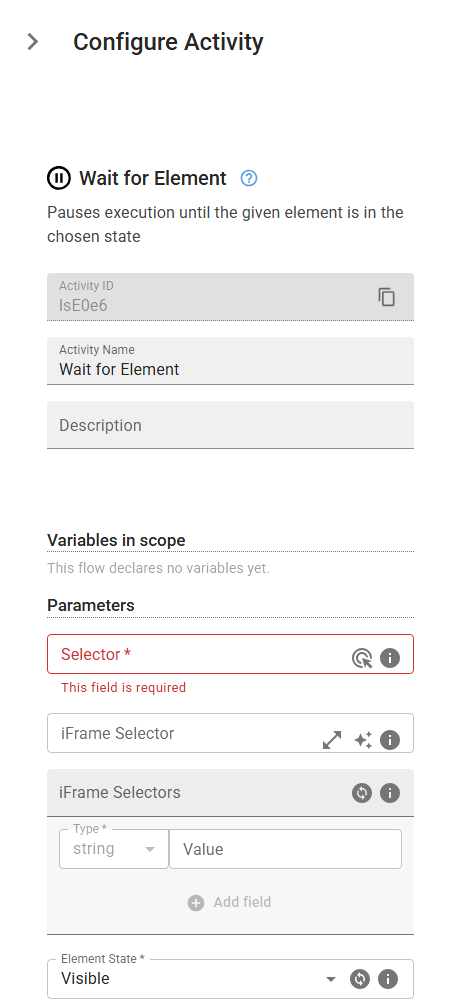
Wait for Element
Pauses execution until the given element is in the chosen state
Category: Web Element Interaction · Group: Web · Activity name: WaitForElement
Example
WaitForElement("<selector>", "visible", iframeSelector="<iframeSelector>", iframeSelectors=[], timeout=30000)
Inputs
| Name | Type | Required | Default | Description |
|---|---|---|---|---|
| Selector | string | Yes | CSS selector or XPath to identify the HTML element. | |
| iFrame Selector | string | CSS selector or XPath to locate the iframe containing the target element. Leave empty if the element is not inside an iframe. | ||
| iFrame Selectors | array | An ordered array of CSS selectors or XPaths to locate nested iframes containing the target element. Provide selectors in order from outermost to innermost iframe (e.g., ['#parent-frame', '.child-frame'] for an element inside a child iframe that's within a parent iframe). Leave empty if the element is not inside any iframes. | ||
| Element State | string | Yes | visible | Select the state of your html element. One of: visible, hidden, attached, detached. |
| Timeout (ms) | integer | 30000 | Timeout duration in milliseconds. Default value set to 30 seconds. |