Take Browser Screenshot
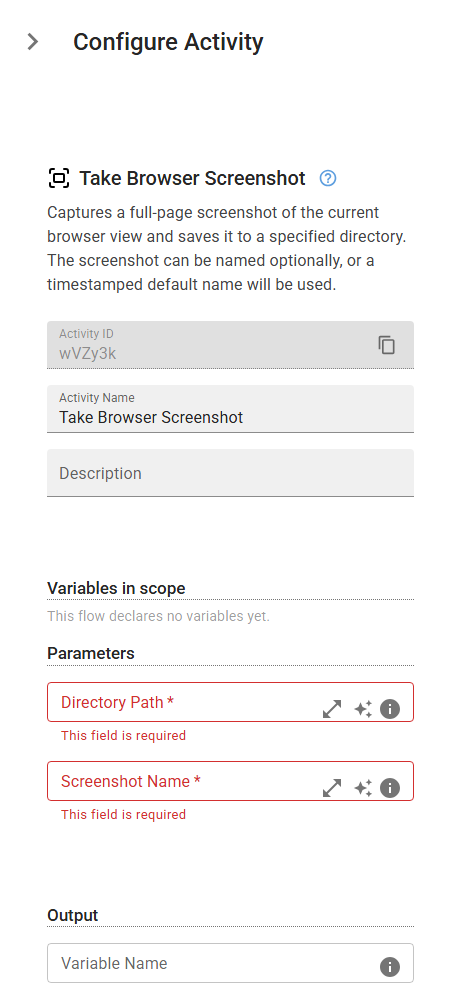
Captures a full-page screenshot of the current browser view and saves it to a specified directory. The screenshot can be named optionally, or a timestamped default name will be used.
Category: Web Scraping & Data Extraction · Group: Web · Activity name: TakeScreenshotWeb
Example
outputVariable = TakeScreenshotWeb("<directoryPath>", "<optionalName>")
Inputs
| Name | Type | Required | Default | Description |
|---|---|---|---|---|
| Directory Path | string | Yes | The path to the directory where the screenshot will be saved. | |
| Screenshot Name | string | Yes | The desired name for the screenshot file. If not provided, a default name with a timestamp will be generated to ensure uniqueness. |
Outputs
| Name | Type | Description |
|---|---|---|
| outputVariable | string | Specifies the name of the variable that will store the screenshot path. |