Ask Rinkt, the built-in assistant
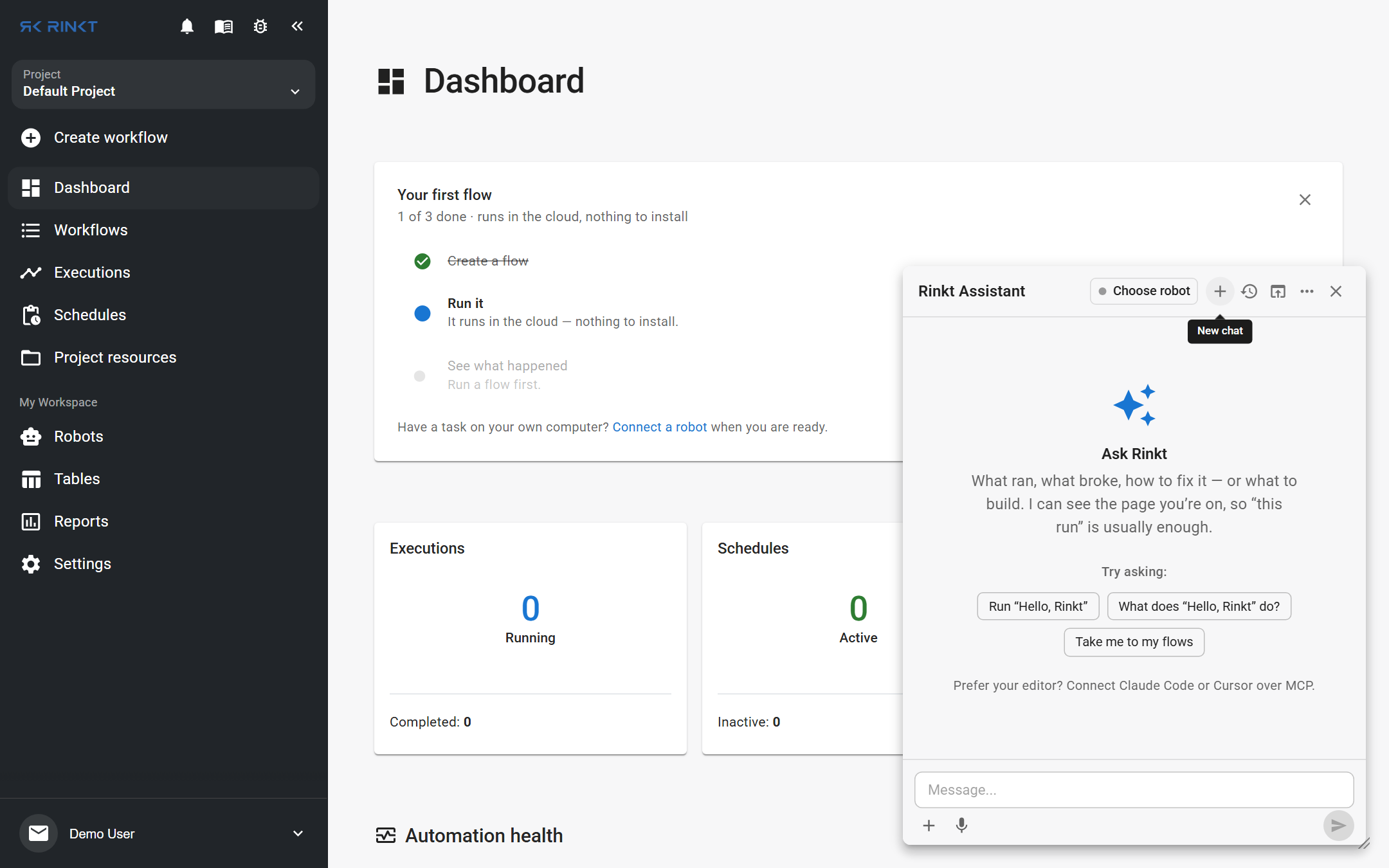
Ask Rinkt answers in plain language and can act for you: check your robots, find a run, explain why it failed, build or fix a workflow, run it, schedule it, and draw a chart.
Open it with the button in the bottom-right corner of any page. Type a question, or click one of the suggestions under Try asking.
It sees the page you are on
The assistant knows which page is open, so "this run" or "this workflow" is usually enough. In the Designer it works on the workflow you have open; on a run's page, on that run.
It asks before it changes anything
Reading is free: listing robots, finding runs or reading a log happens straight away. Anything that changes your account — running a workflow, creating a schedule, editing steps, building a report — is shown first, with an Approve button. Nothing happens until you click it.
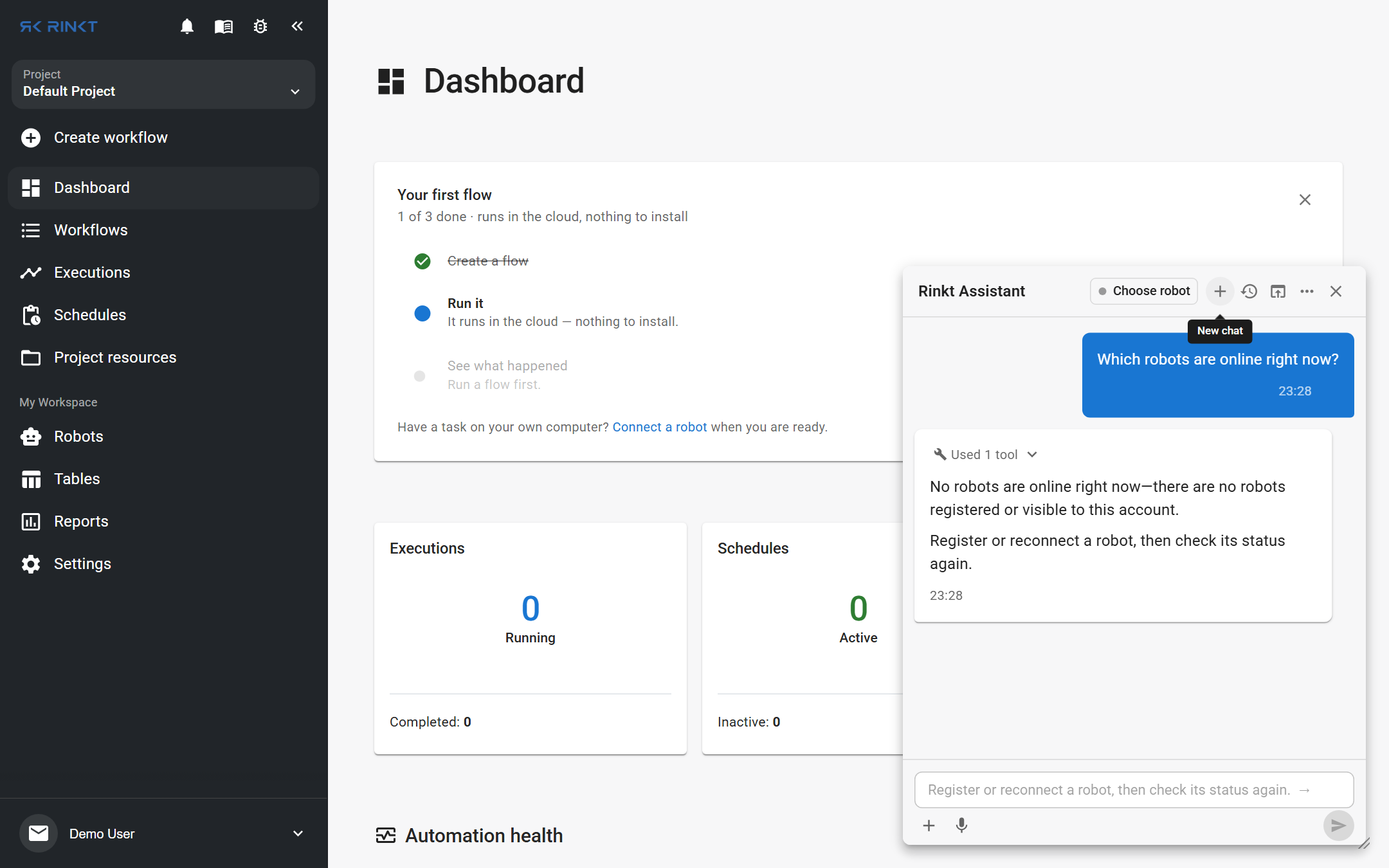
Used 1 tool under an answer opens the calls it made, so you can see what it looked at.
The panel
| Control | What it does |
|---|---|
| Choose robot | The robot it runs on when you ask it to run something. |
| + | Starts a new chat. |
| History | Reopens an earlier chat. |
| + under the message box | Attaches a file. |
| Microphone | Dictates the message instead of typing it. |
Things to ask
| Ask | What it does |
|---|---|
| Which robots are online right now? | Checks the status of your robots. |
| Show me the last run | Finds your latest run and links to it. |
| Why did the last run fail? | Reads the error, the log and the screenshot, and can propose a fix. |
| Build me a workflow that opens https://example.com and reads its first heading | Creates the workflow, adds the steps and checks them. |
| Run "Hello, Rinkt" | Starts the run after you approve, then tells you the result. |
| Schedule "Hello, Rinkt" every weekday at 09:00 | Creates a schedule in your time zone, after you approve. |
| What's scheduled to run tonight? | Lists upcoming scheduled runs. |
| Build me a chart that shows how many invoices each customer has in the Invoices table, split by Paid and Unpaid | Creates a report with the chart, after you approve, and links to it. |
Prefer your own AI tool?
The same abilities are available from Claude, ChatGPT, Microsoft Copilot, Claude Code or Cursor over MCP. See Connecting an AI assistant.