Where a run's data lives
Tables
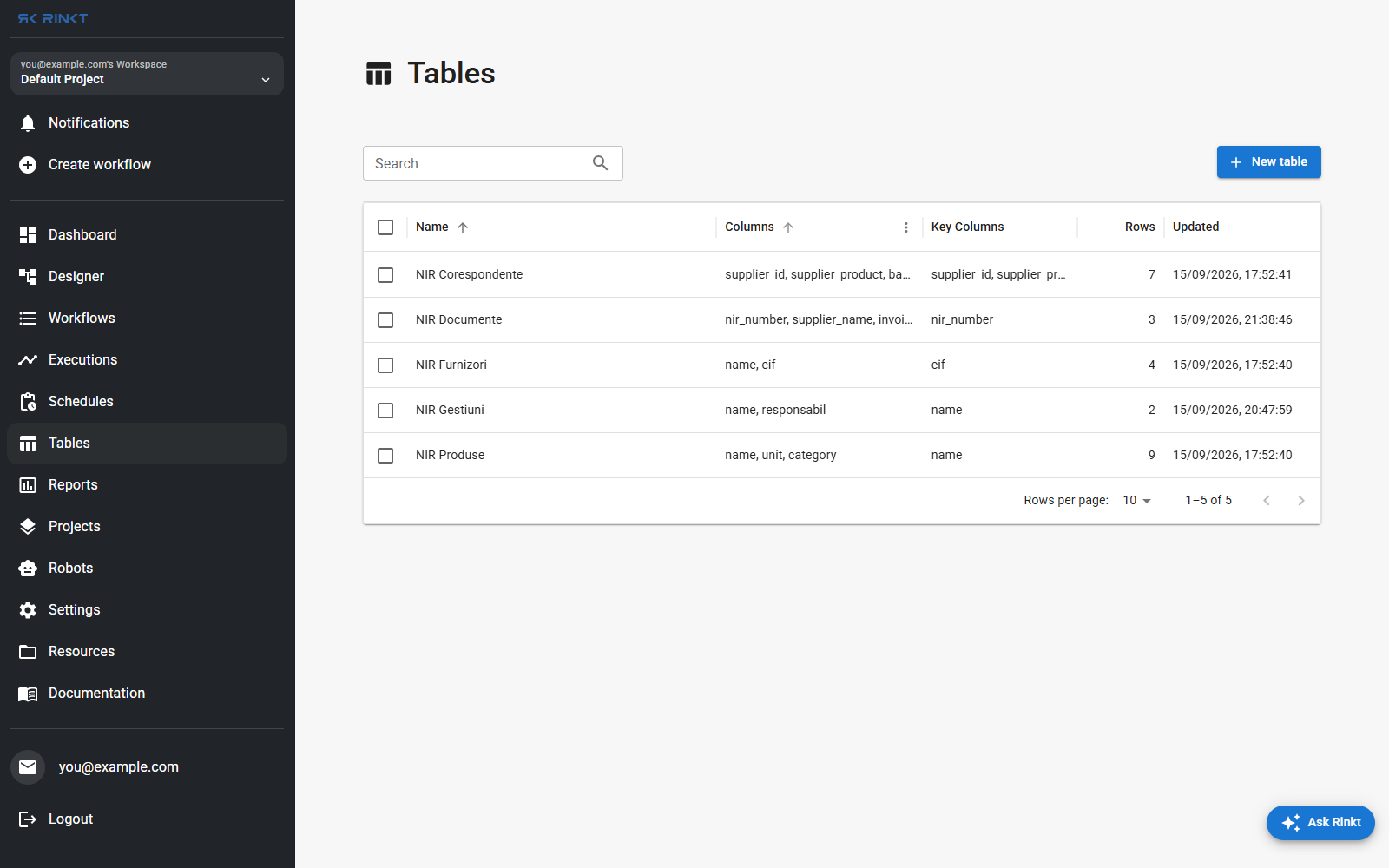
A table has columns, key columns, and rows. The key columns are what makes a second run update a row rather than append a duplicate — the difference between Upsert Row in Table inserting and updating.
There are two kinds, and they are used differently:
- In-memory tables, created by Create Table inside a run. They exist for the length of that run. This is the normal way to collect rows and then write them out with Export Table to File — see API to CSV for the whole shape of it.
- Named tables, listed on this page, which outlive the run. A workflow reads one, writes to it, and the next run sees what the last one left.
Projects
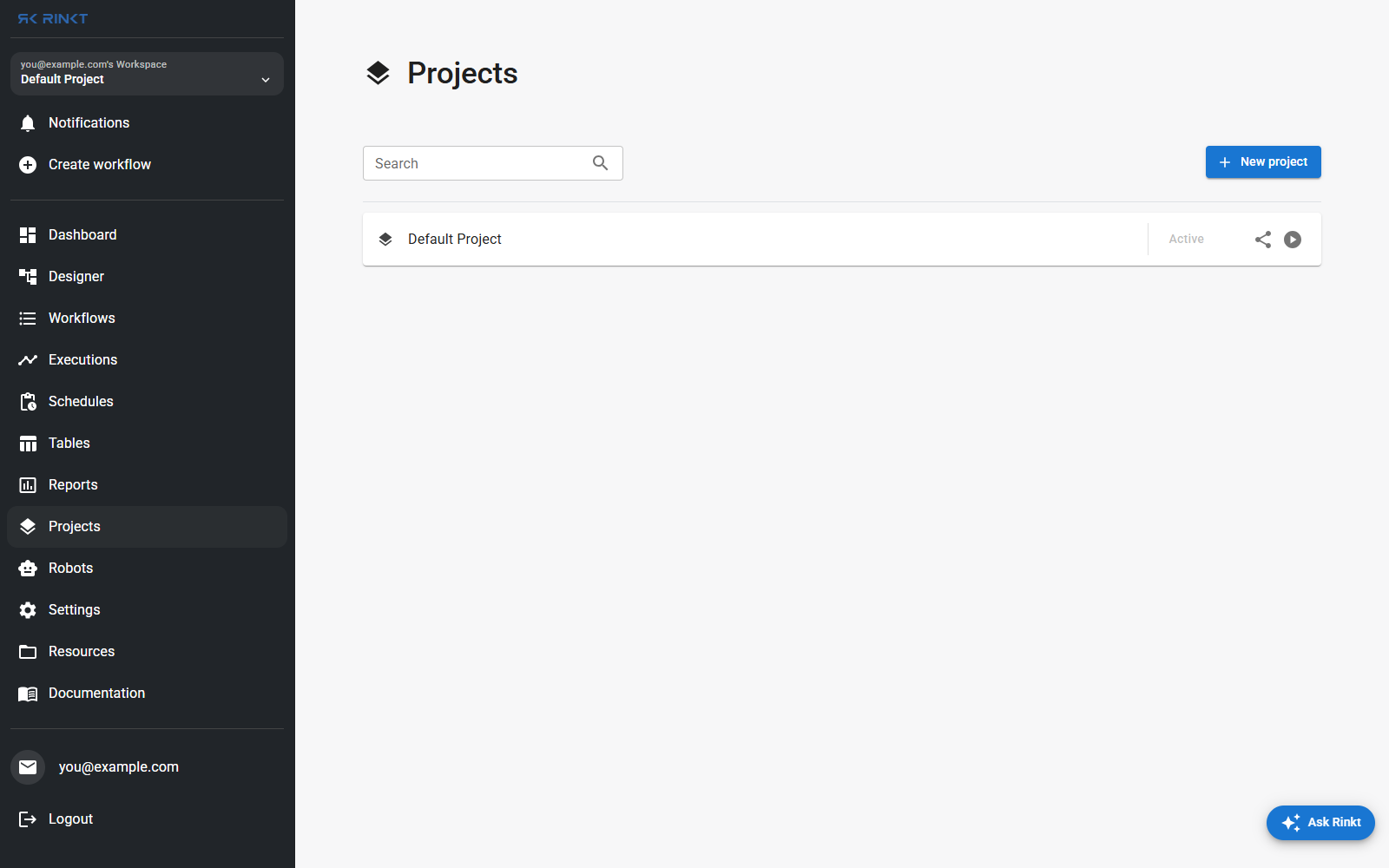
A project groups workflows. Every workflow belongs to at least one, and a new account has a Default Project so nothing has to be decided up front. The workspace switcher at the top of the sidebar is how you move between them.
Resources
Files a run reads or writes — templates, inputs, outputs — with folders and tags. Reach for this rather than a path on one robot's disk, which is only correct until the run lands on a different robot.
Environments
An environment is a named set of values a workflow loads at the start of a run with Load Environment: endpoints, credentials, per-client settings. The point is one workflow against several configurations, rather than one workflow per client with the differences copied into the steps.
They live under Settings → Environments.