Robots
A robot is the runner that actually executes a workflow. It runs on a machine you control — a desktop, a VM — and connects out to the platform. Nothing runs without one.
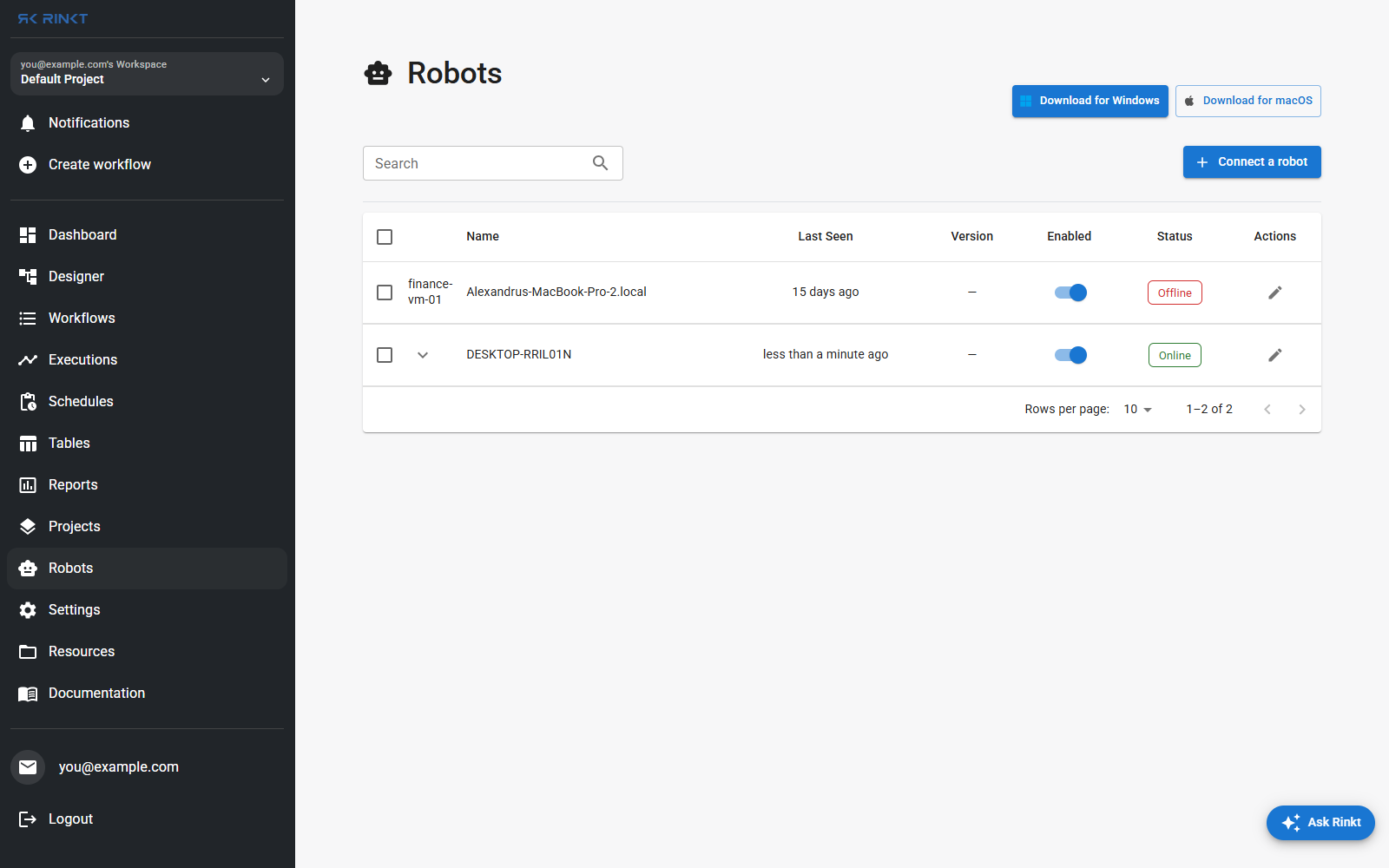
Connecting one
Download for Windows or Download for macOS, install, then Connect a robot to pair it with your organization. It appears in this list once it has called home.
Reading the list
- Last seen — an
Onlinerobot that was last seen an hour ago is telling you something different from one seen a minute ago. - Version — the runner build it last connected with. It matters: an activity added to
the runner after that build is not there, and the robot only says so after the step has
been dispatched, as
unsupported activity type: <Name>. If a workflow that works elsewhere fails on one robot with that message, this column is the answer. - Enabled — a robot can be left connected but taken out of rotation.
- Status —
OnlineorOffline.
Choosing where a run executes
A run targets either a specific robot or whichever is available. Two other choices sit alongside it:
- Headless. Faster, no window, and required for a few activities — Webpage to PDF among them, which needs a headless Chrome and cannot print from a browser with a visible window. Desktop automation needs the opposite.
- The browser extension. Web steps can run in your own signed-in browser instead of the robot's Playwright browser, which is how you get past a site you are already logged into and a bot wall would otherwise stop. It needs an online extension, and it turns off the session-strategy control on Start Browser, because the session is the one you are sitting in.