Schedules, webhooks and queues
Schedules
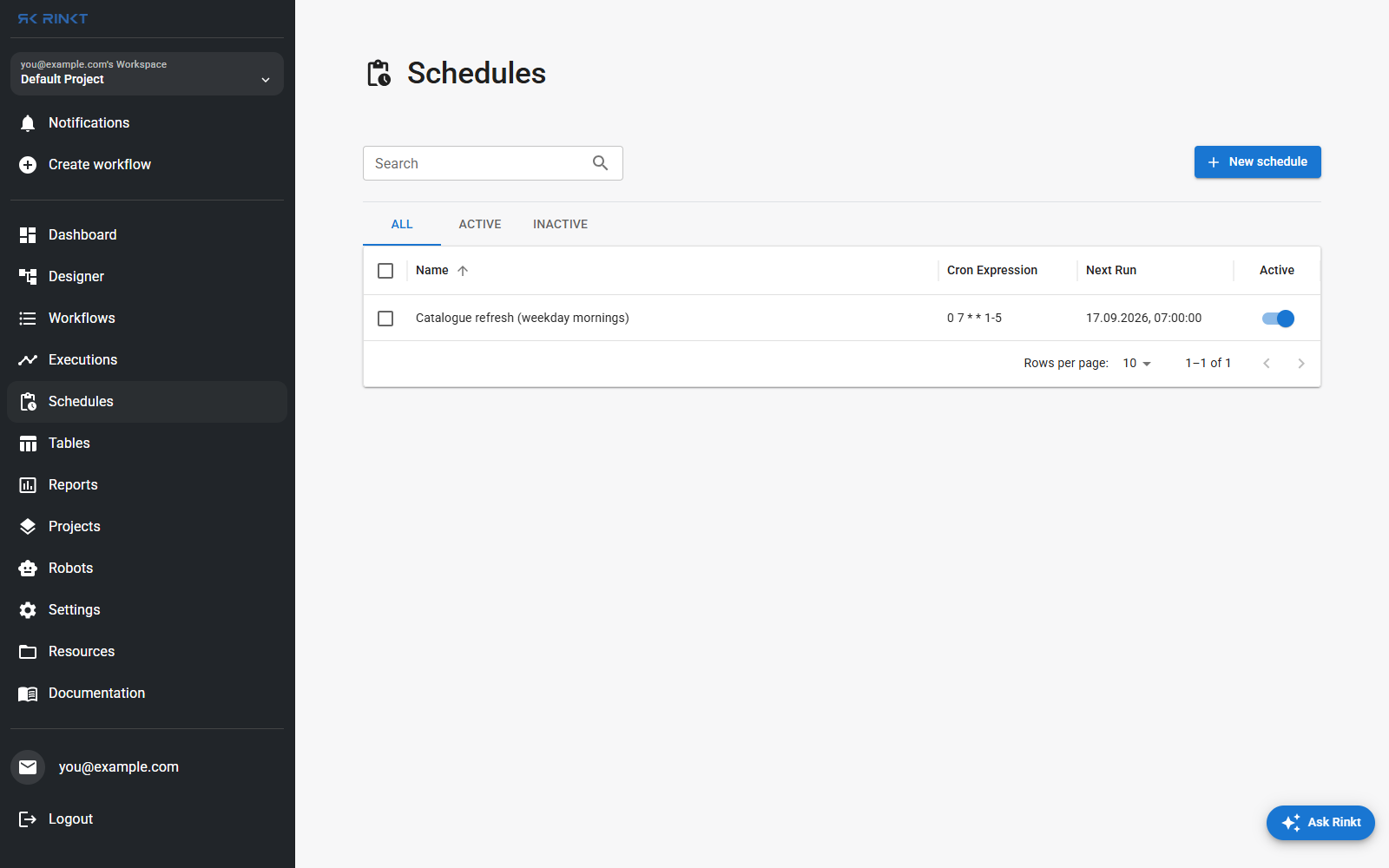
A schedule is a cron expression, a workflow, and where to run it. New schedule asks for all three; the list shows the expression, the next fire time, and an active toggle, with All / Active / Inactive tabs above it.
Deactivating a schedule stops future runs and keeps the schedule. Deleting it cannot be undone, and does not stop a run already in flight.
Webhooks
A workflow can be started by an HTTP POST to
/api/webhooks/{workflow_id}/{user_id}. The whole JSON body arrives in the workflow as
webhookBody.
Webhook-triggered runs do not start instantly: they wait in the webhook queue, visible on the dashboard, until a robot picks one up. Pending, assigned, running and average wait are all counted there, which is where to look when a trigger fired and nothing appears to have happened.
The body's shape is the caller's, not ours — do not guess it.
Writing workflows carries the contract for the sources we have pinned down,
Microsoft Graph change notifications among them, which wrap even a single event in a
value array.
Queues
By default a workflow runs up to 30 times in parallel, and up to 5 times per robot. A queue overrides that: assign workflows to one and every trigger for them — schedules, webhooks and replays included — serialises through it.
That is the setting to reach for when the system being automated cannot take two sessions at once, which is most desktop applications and a fair number of web ones. Queues live under Settings → Queues.