Settings
Settings is a row of tabs. Which ones you see depends on your role — the admin tabs (Users, All Robots, Queues, AI Configuration, Feature Flags) are not there for everyone.
API keys
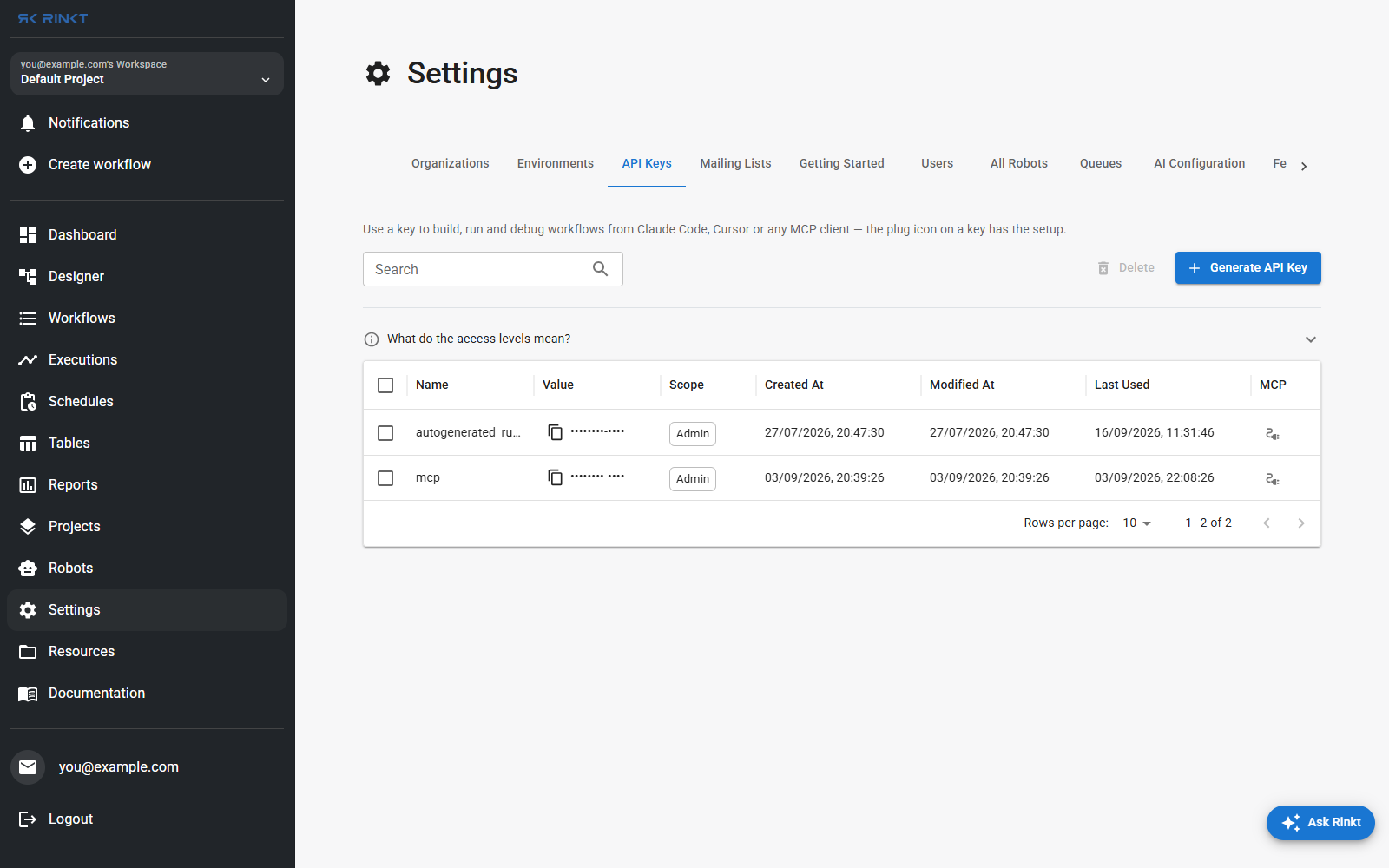
A key authenticates a client that is not a browser. The plug icon on a key row opens the setup for connecting Claude Code, Cursor or any MCP client, which is how an AI assistant gets to build, run and debug your workflows — see AI assistant (MCP).
Scope is what the key can do. Last used is the column to check before deleting one: a key nothing has touched in months is a key nothing depends on.
Organizations
An organization is the boundary a team shares: workflows, robots, schedules, queues and resources belong to it, not to one person. Switching organizations changes what every other page lists.
Environments
Named sets of values a run loads at its start. See Where a run's data lives.
Mailing lists
Named groups of addresses, so a workflow that sends an email — a report, a failure alert — names the list instead of carrying the addresses in a step. Changing who gets a notification becomes one edit here rather than an edit to every workflow that notifies.
Queues
Concurrency control. See Schedules, webhooks and queues.
Getting started
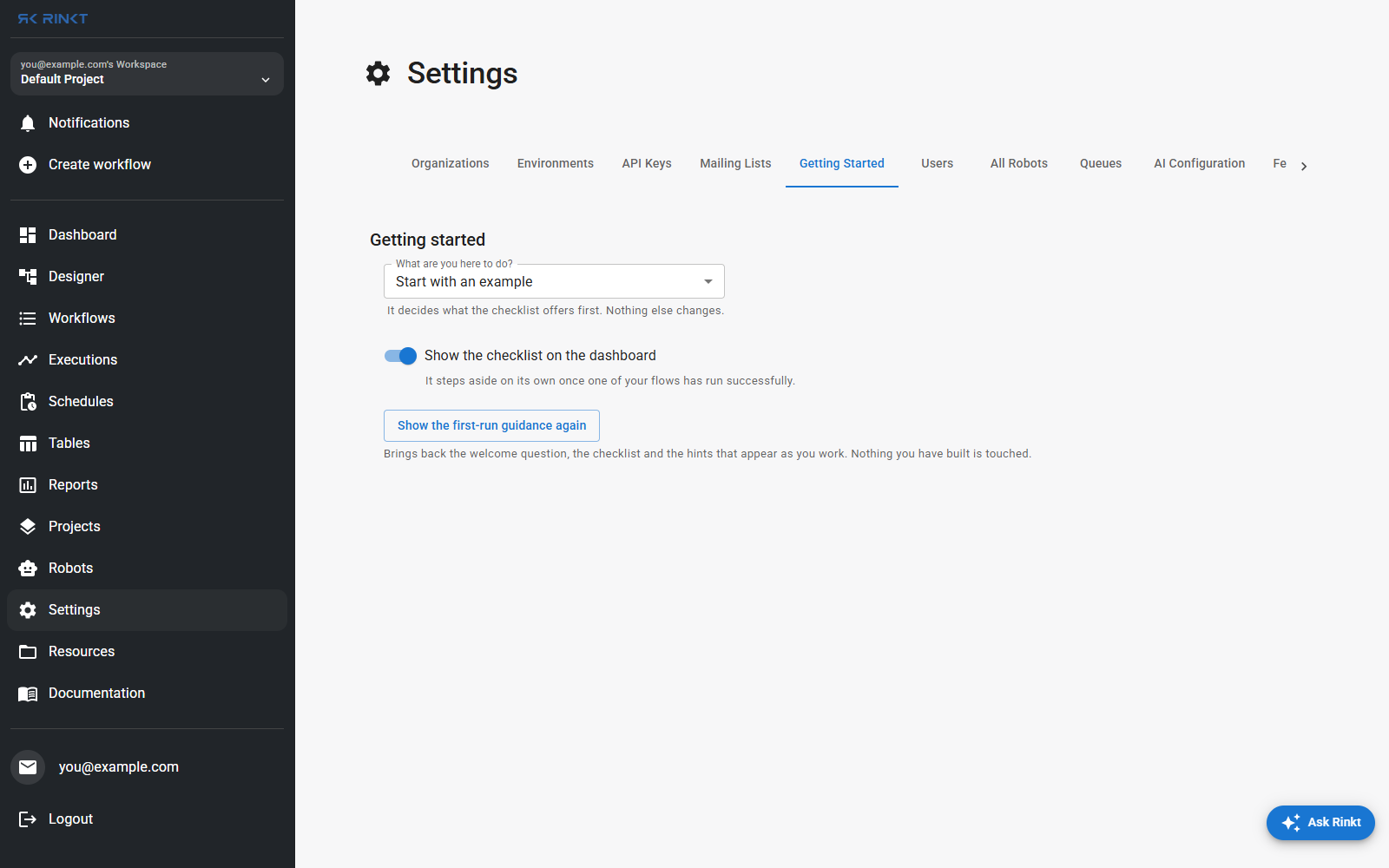
The first-run checklist and the hints that appear as you work. The dropdown decides what the checklist offers first; the checklist steps aside on its own once one of your workflows has run successfully, and this is where to bring it back. Nothing you have built is touched.